Overview
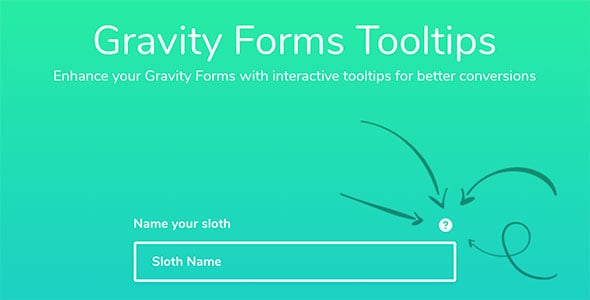
Need to add tooltips to your forms to better enhance communication and messaging on your Gravity Forms? Gravity Forms Tooltips add-on makes it easy to do just that!
With a dynamic settings screen you can set the color, size and position of your tooltips and add unique tooltip content to every field within your Gravity Form.
Easily add styled Tooltips to any field in your Gravity Forms
We’ve built our plugin to easily add tooltips to any of your fields within Gravity Forms. Tooltips also work with all of our existing plugins like color picker, image choices and collapsible sections so you can enjoy our newest plugin with the combo of JetSloth plugins.
What's included
- The full pluginEvery file from the developer's release, in one zip.
- Unlimited sitesInstall it on your own and your clients' sites.
- GPL licensedFree to use, study and modify.
- No paymentFree to download, no card needed.
How to install
- 1Download the zip file from this page.
- 2In WordPress, go to Plugins → Add New → Upload Plugin.
- 3Choose the zip, click Install Now, then Activate.
Questions
Is this the developer's own release?
Yes. It is the release published by the original developer, redistributed under the GNU General Public License. The GPL allows anyone to share and resell the code.
Do I get a license key or automatic updates?
No. License keys, one-click updates and support come from the developer's own paid plans. To update, download the newer version here when it is listed and install it over the old one.
Can I use it on more than one site?
Yes. The GPL puts no limit on the number of sites, including client sites.
Why is it free?
During our launch every download that is available on GPL Store is free. Nothing is charged and no card is asked for.